




 Free shipping
 Free shipping
Wir liefern versandkostenfrei direkt nach Hause.*
Die Zustellung dauert in der Regel 7-14 Werktage*, also einfach sorgenfrei zurücklehnen und entspannen.
*Mehr dazu in den Versandbedingungen.
 14-day money-back guarantee
 14-day money-back guarantee
Share some conUnabhängig vom Grund garantieren wir eine vollständige Rückerstattung, sofern das Produkt innerhalb von 14 Tagen in seiner unbeschädigten Originalverpackung zurückgesandt wird. Der Rückerstattungsprozess beginnt automatisch, sobald der Artikel zurückgesandt und zur Prüfung im Marstek-Lager eingegangen ist.
*Weitere Informationen zu den Bedingungen für einen erfolgreichen Rückerstattungsprozess finden Sie in unseren Rückerstattungsrichtlinien.tent to your customers about your products.
 10-year warranty
 10-year warranty
Marstek.de gewährt eine Garantie von 10 Jahren. Sollte das Produkt innerhalb dieses Zeitraums aufgrund von Material- oder Verarbeitungsfehlern ausfallen, liefern wir Ersatz. Das Ersatzprodukt übernimmt die verbleibende Garantiezeit des Originalartikels.
Um einen Garantieanspruch geltend zu machen, wenden Sie sich bitte an unseren Kundendienst unter: support@marstekenergy.com.
*Weitere Einzelheiten finden Sie in unseren Garantiebedingungen.
 Online customer service
 Online customer service
We're happy to help! If you have any questions or suggestions, please write to us at support@marstek.de – our team will take care of your request immediately.
 Bequem bezahlen
 Bequem bezahlen
 Reliable delivery
 Reliable delivery

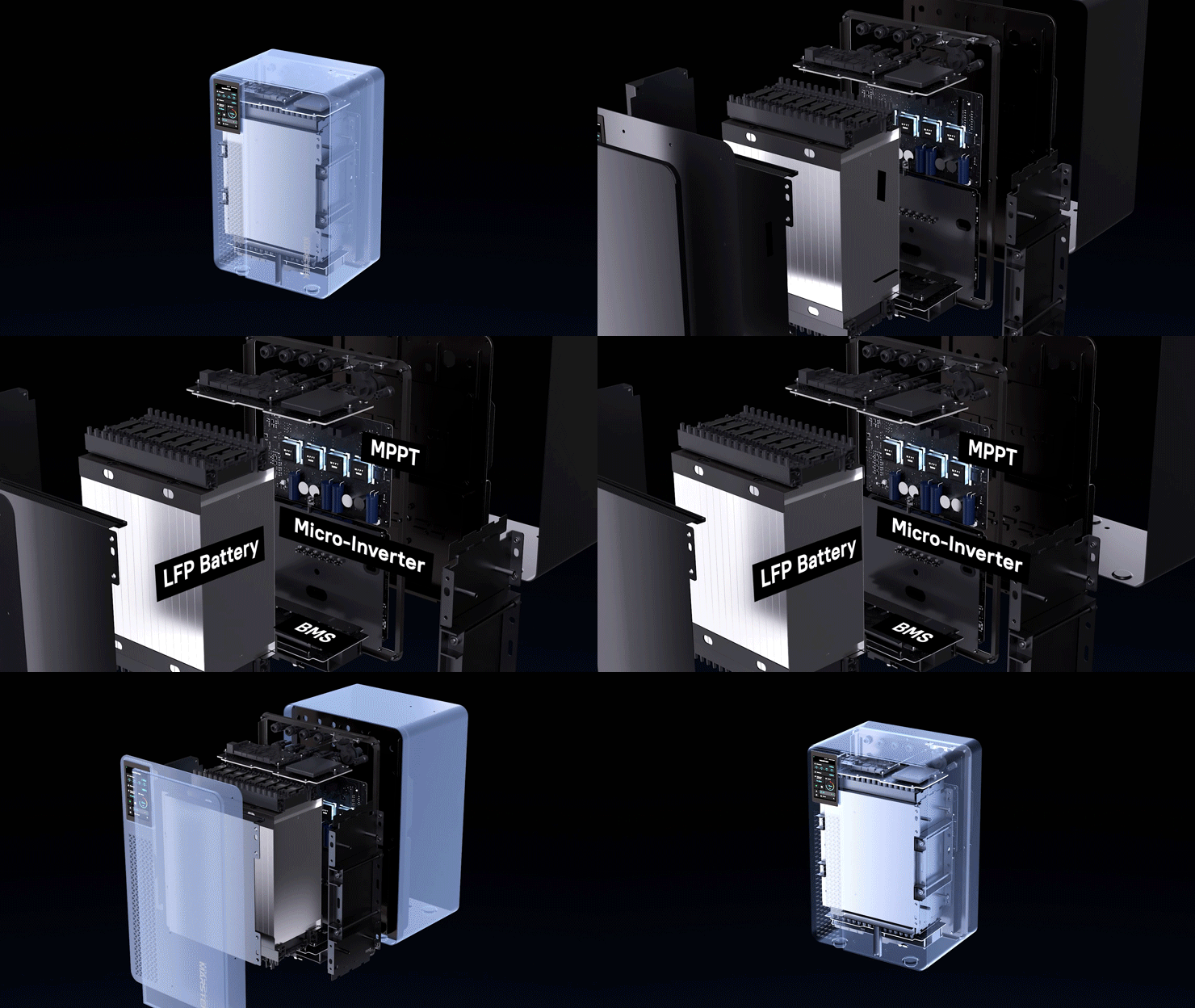
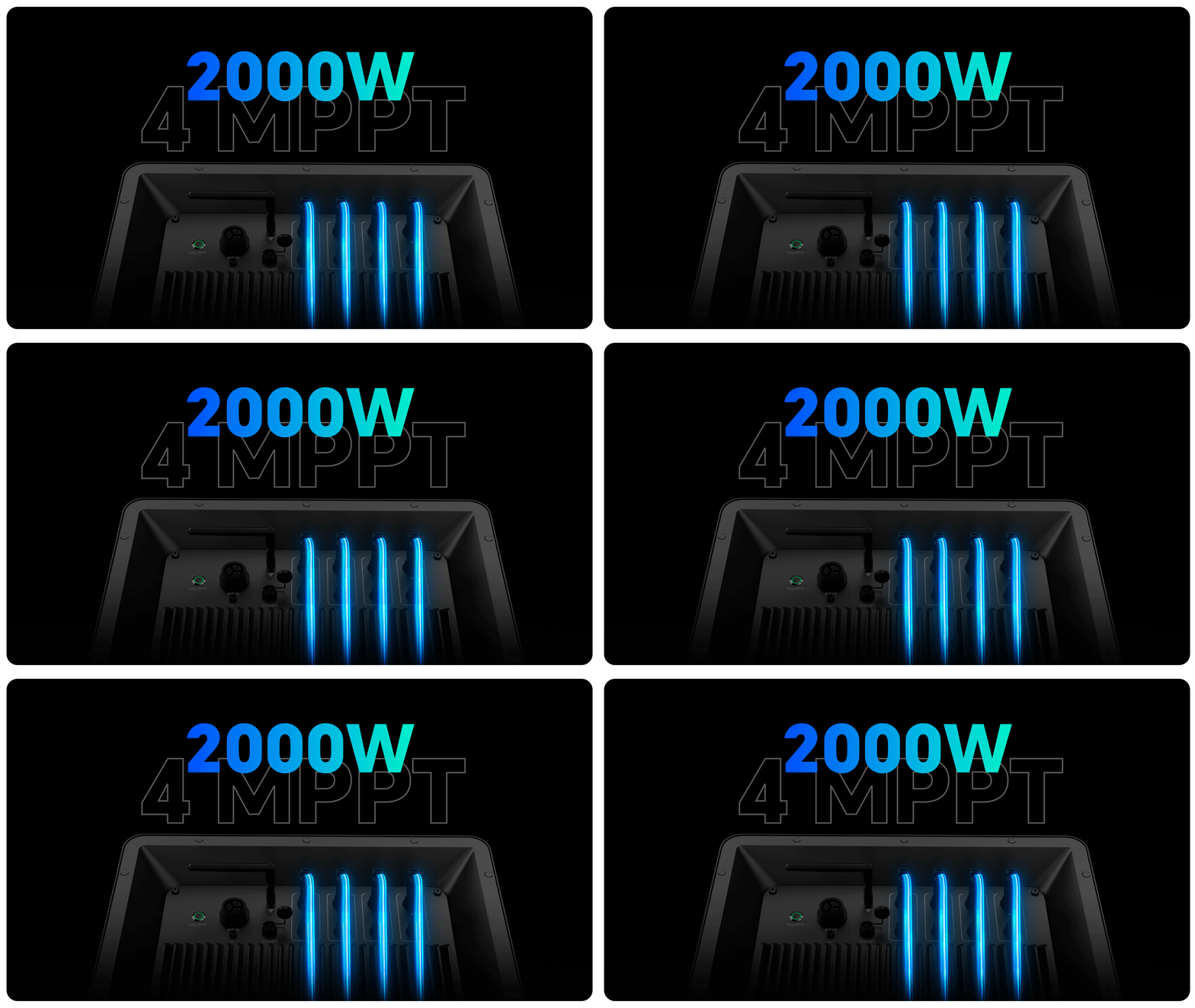
Superior Performance
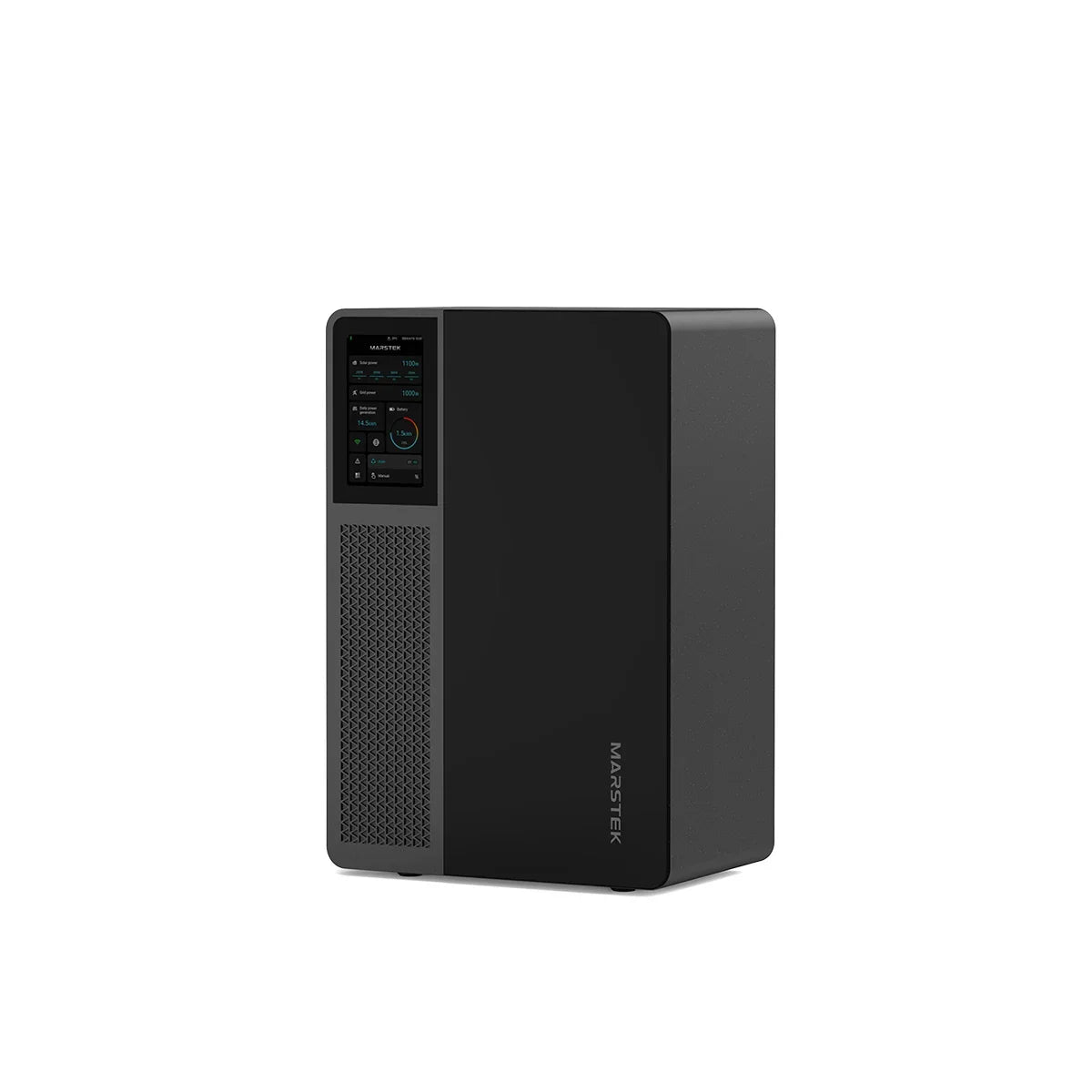
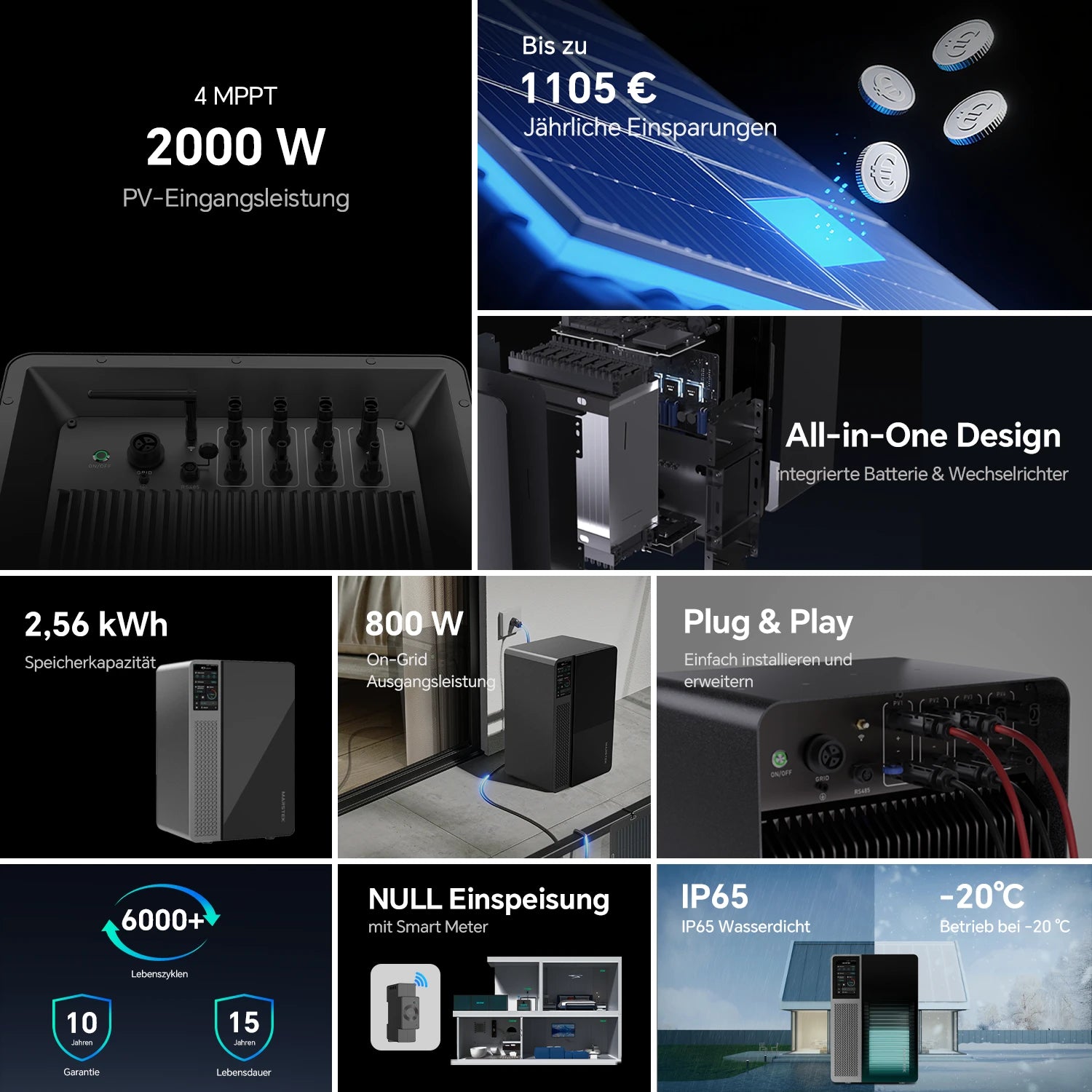
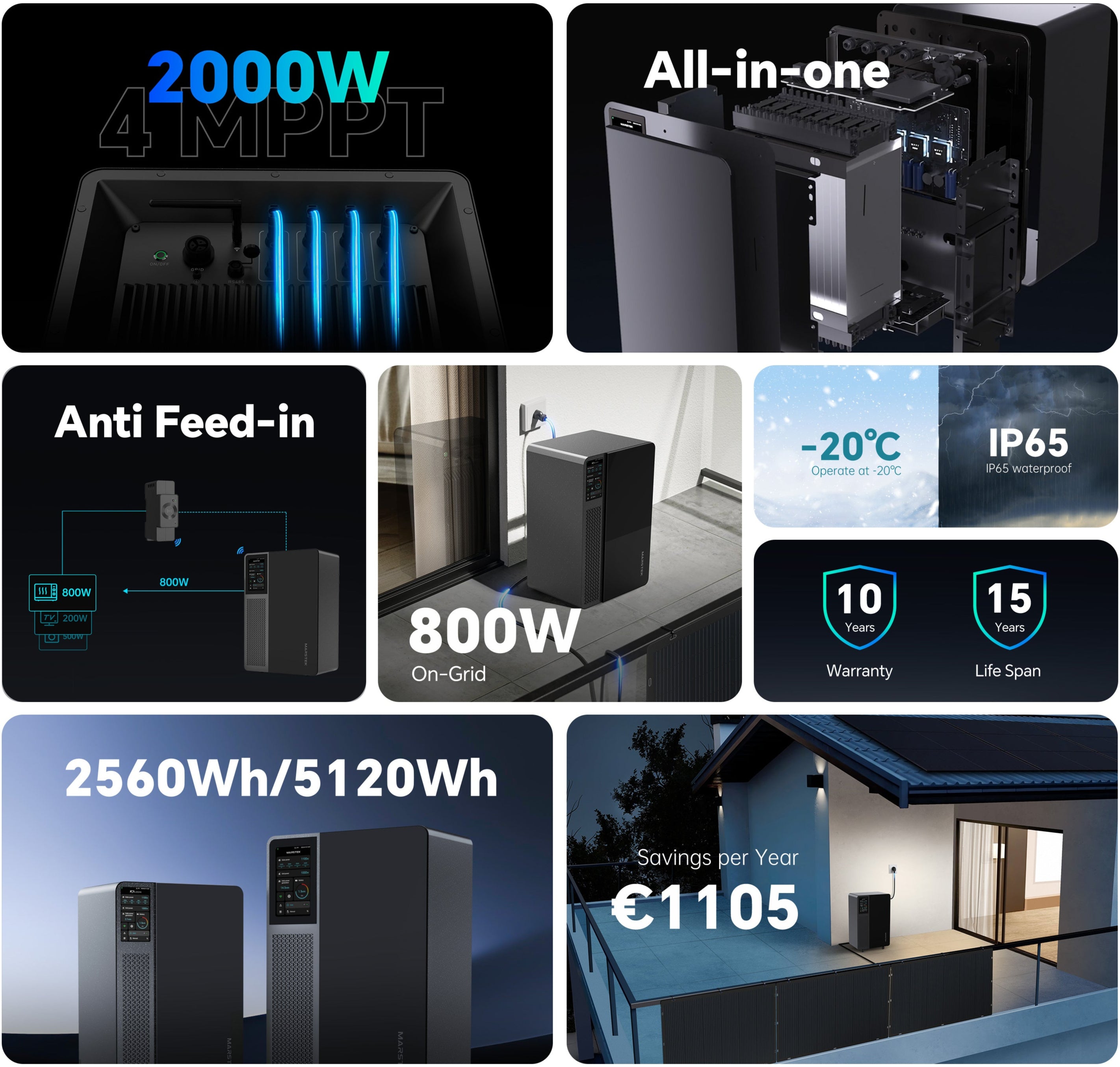
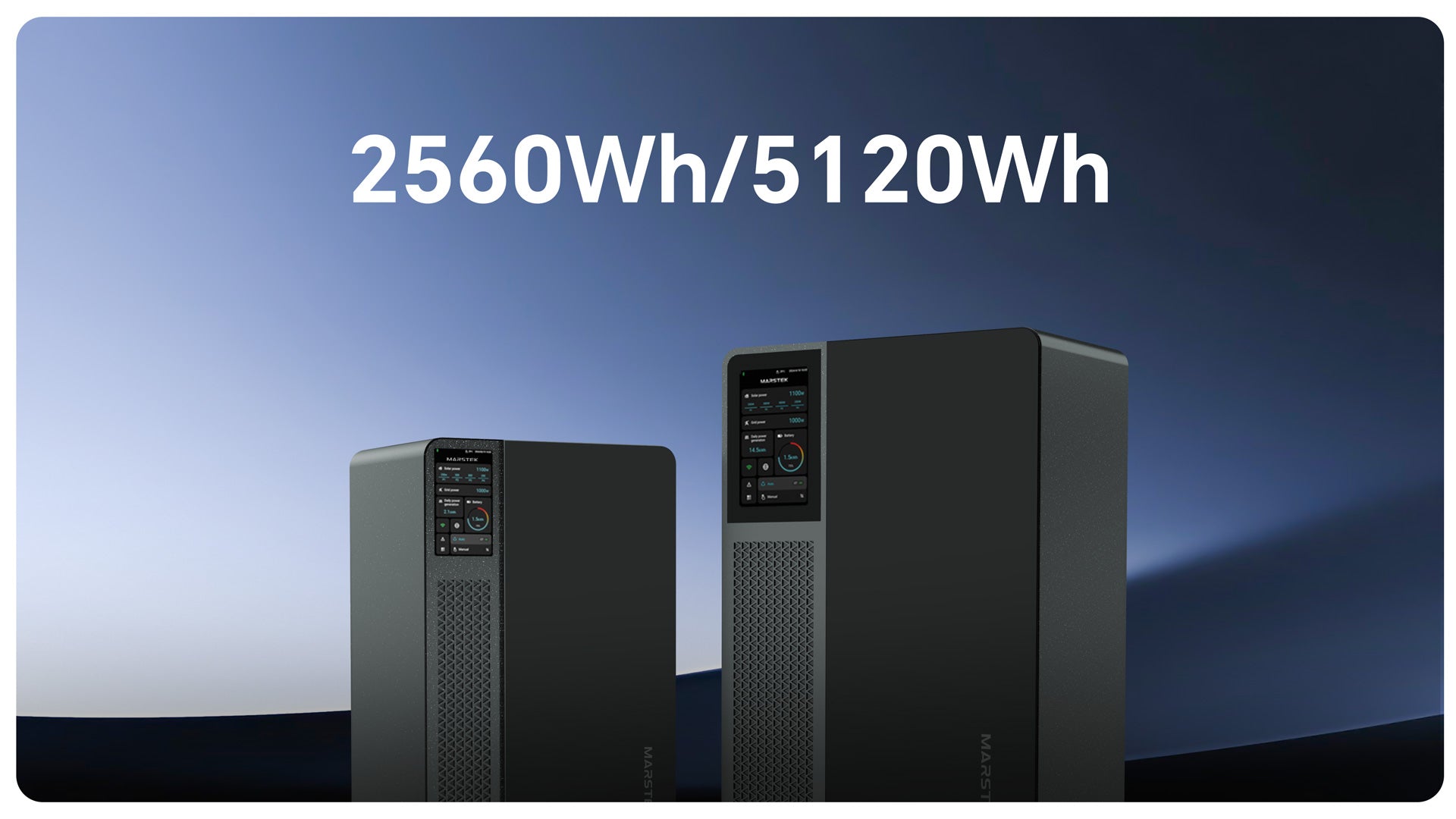
Equipped with 4 MPPTs, Jupiter supports up to 2000 W PV input and is available in 2560 Wh and 5210 Wh variants.
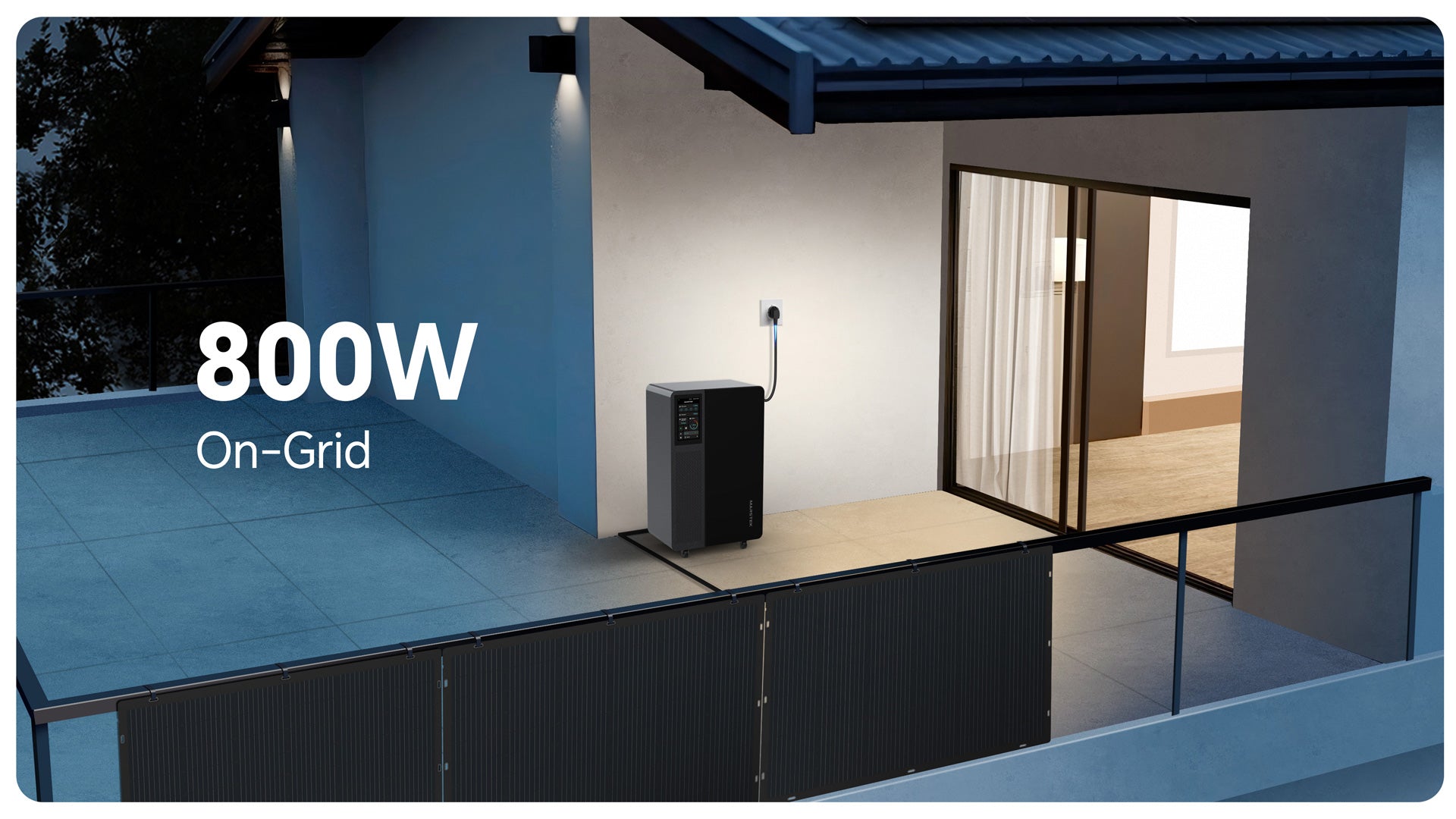
Plug & Play Installation in 5 Minutes
Intelligent energy management
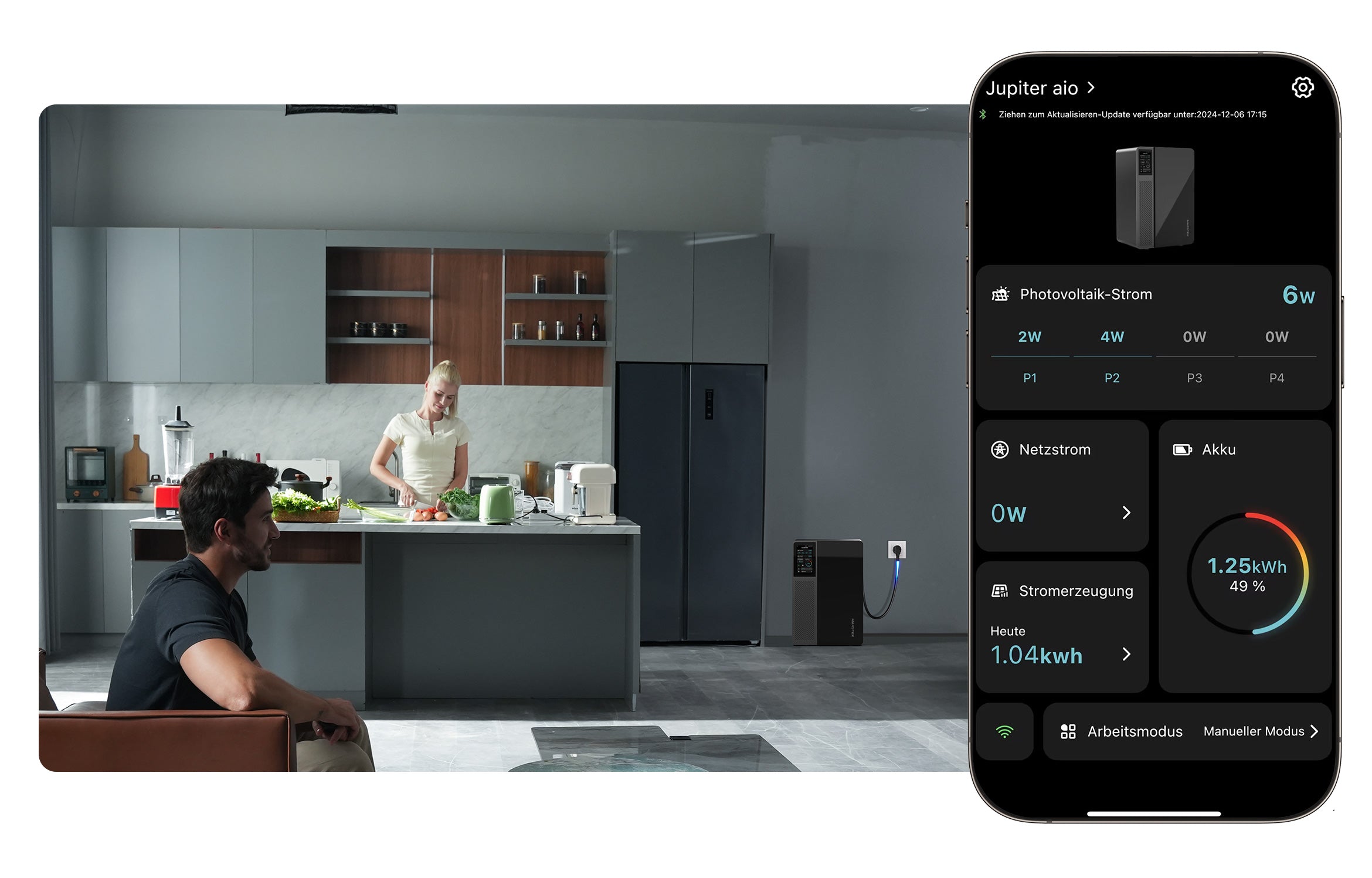
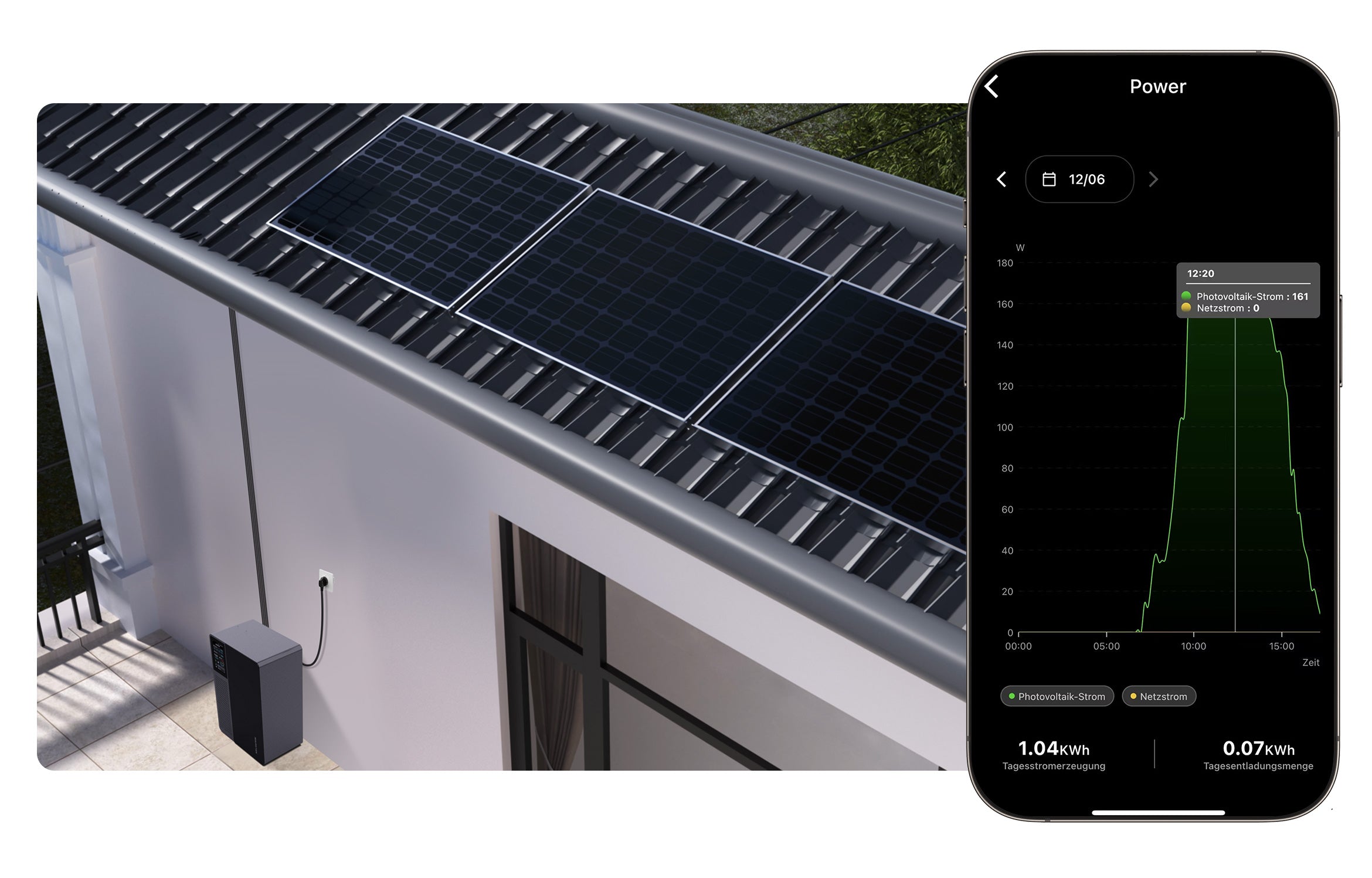
Monitor and control your battery and power supply anytime, anywhere with the Marstek app.
Technische Spezifikationen
Im Lieferumfang


What else you might want to know
How does the Jupiter all-in-one balcony power plant with storage work?
Jupiter All-in-one stores the solar energy generated by the solar panels and feeds it into the grid via a built-in micro-inverter. The maximum solar input power is 2000 W. The grid power is 800 W, which can be adjusted manually or automatically according to the smart meter.
How can the output of the Jupiter All-in-one be controlled?
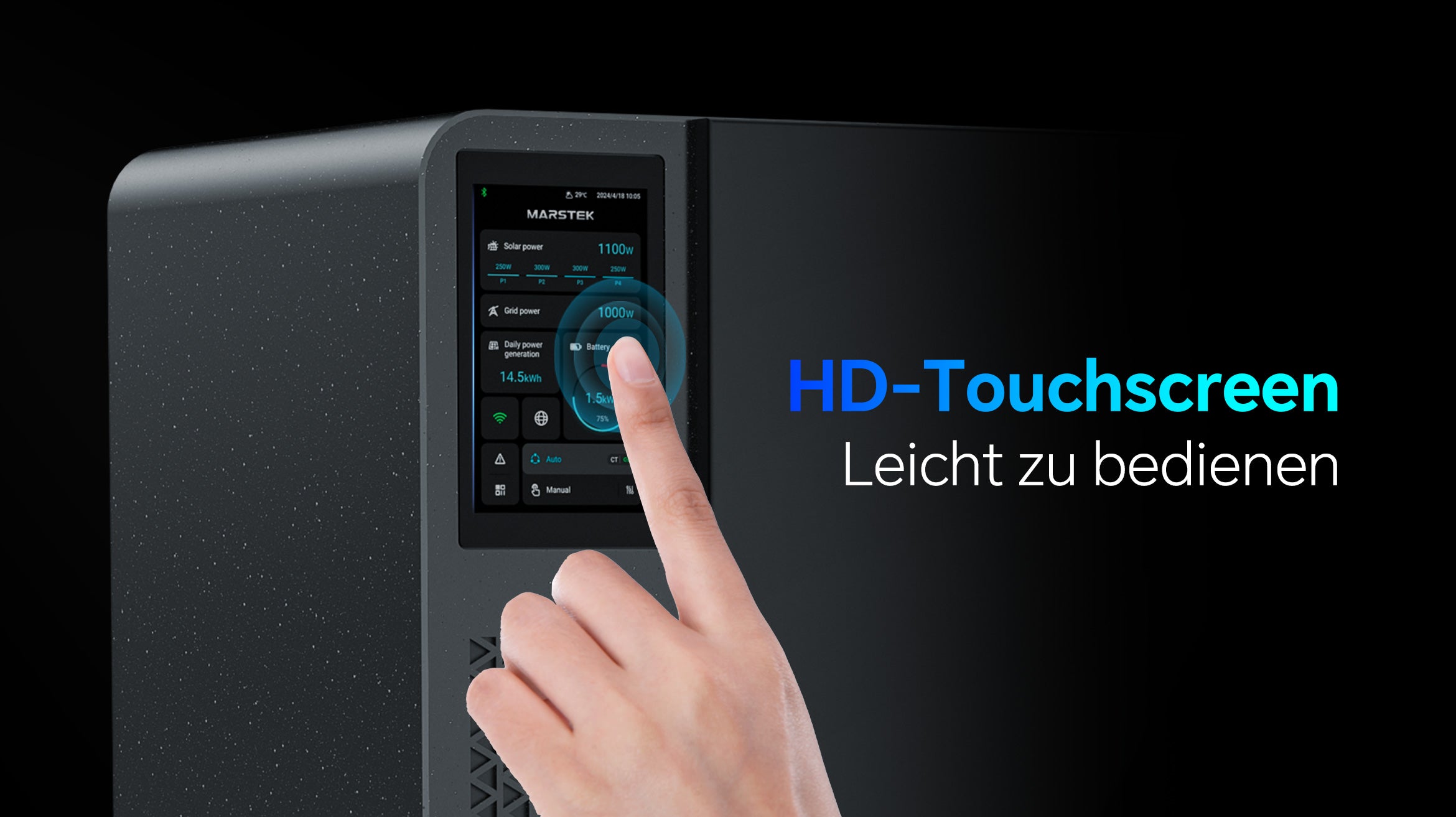
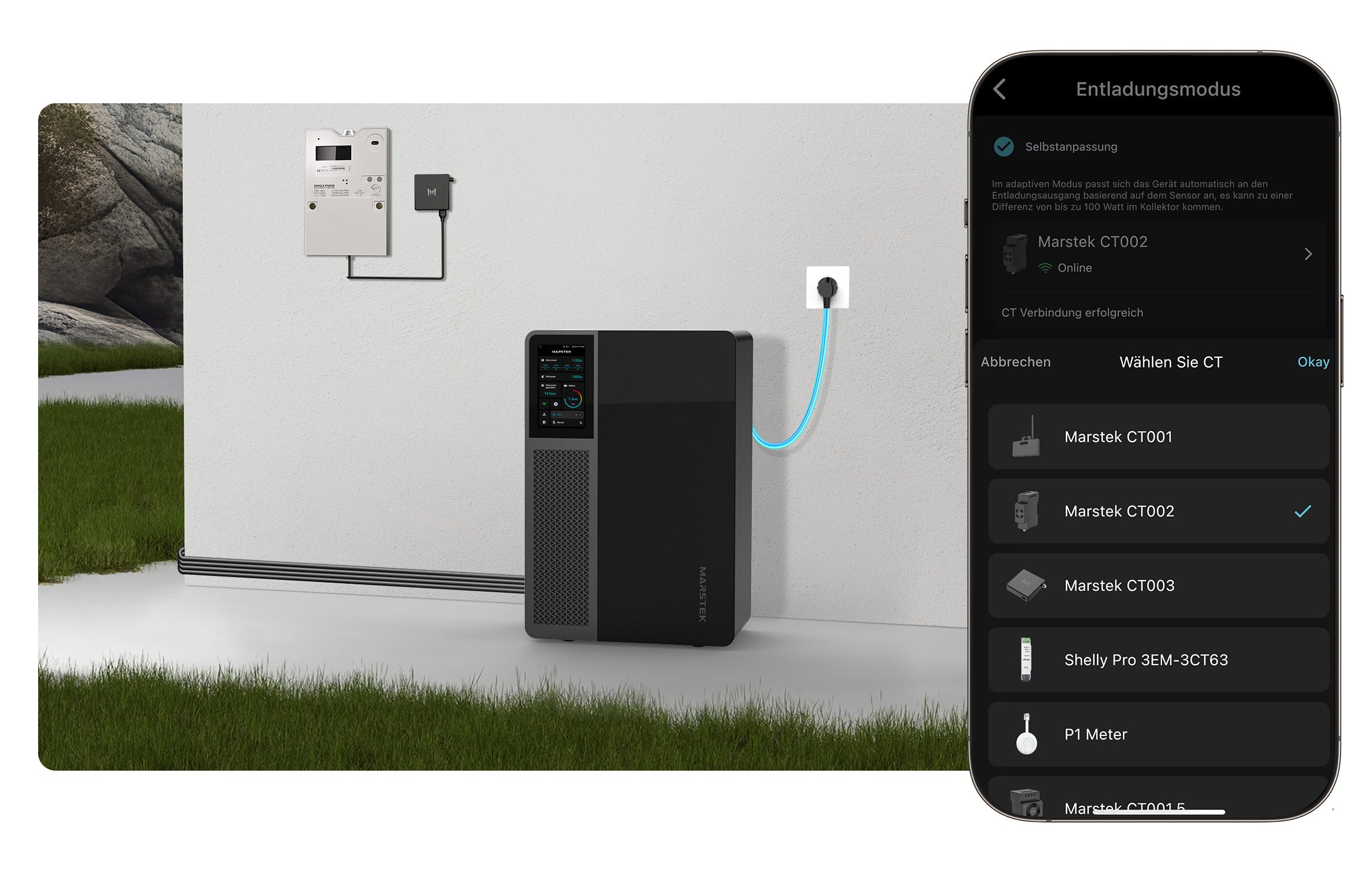
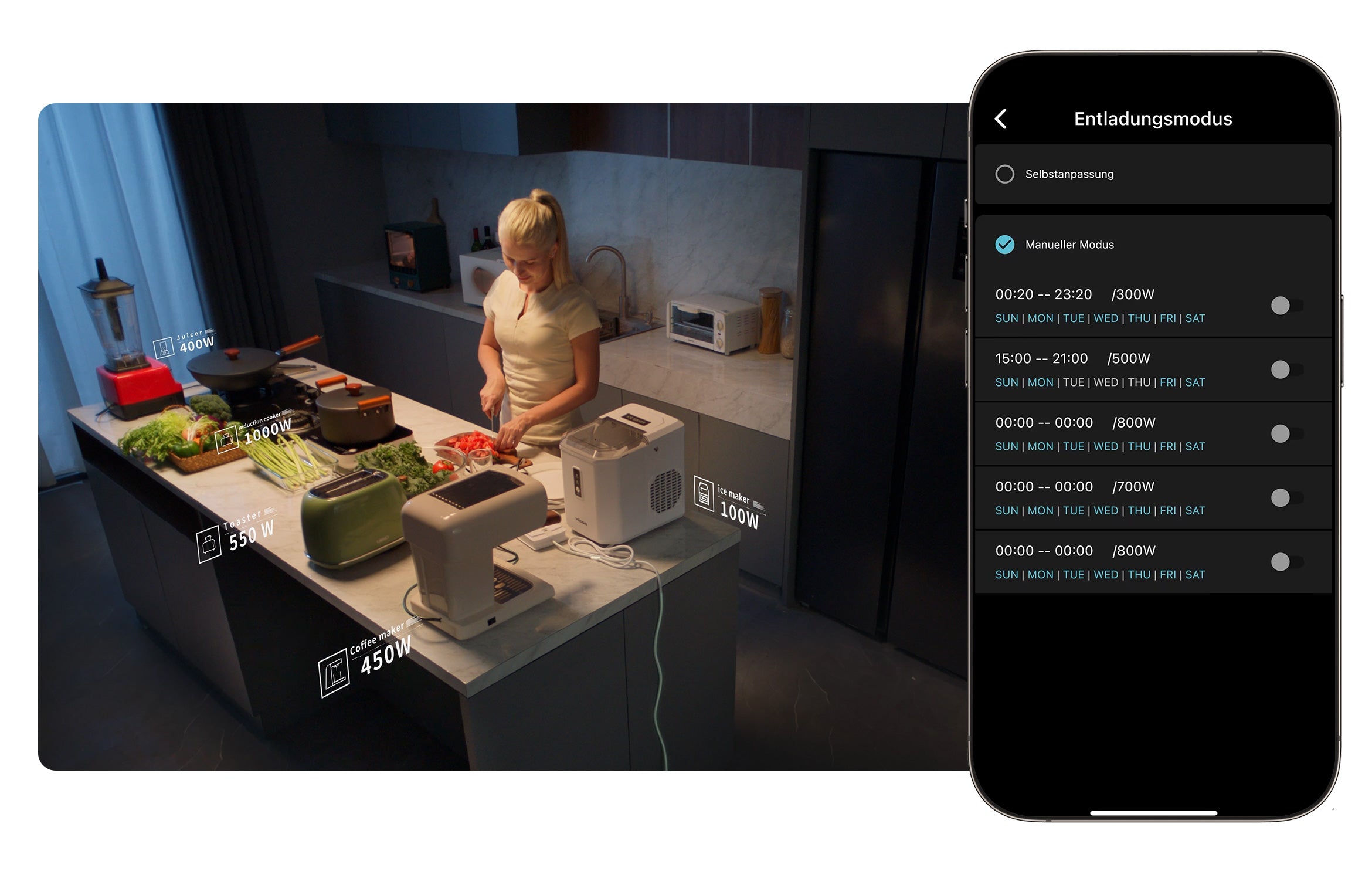
You can manually set the discharge time and power via Jupiter’s HD touchscreen or by adding Jupiter to the Marsrtek app. Alternatively, you can select the automatic discharge mode when pairing it with a smart meter. Jupiter will then discharge according to your discharge settings or based on the data collected by the smart meter.
Which smart meters are compatible with the Jupiter All-in-one?
Jupiter currently supports Marstek Smart Meter CT002, CT003, and Shelly Pro 3EM. If you use a P1 meter, Marstek CT003 can be used with it for smart power distribution.
Can the Jupiter All-in-one's capacity be expanded?
There are no additional batteries to expand the capacity of the Jupiter. The Jupiter is available in two capacity versions: Jupiter C has a capacity of 2560Wh and Jupiter E has a capacity of 5120Wh. You can select them upon request.
What do I need to consider when using the Jupiter All-in-one in winter?
At low temperatures, the activity of lithium batteries decreases, which can easily lead to rapid and high battery power consumption. Therefore, attention should be paid to the use of batteries in winter:
(1) In winter, it is recommended to reserve at least 30% or 50% of the battery power to avoid low battery power. Especially in snowy weather, it is recommended to keep 70% of the battery capacity to ensure the battery has sufficient reserves.
(2) If the battery has not been charged for more than a week, it is recommended to turn off the discharge until the battery is more than 90% charged before turning on the discharge.
(3) Avoid high-power discharge. PV is weaker in winter, and charging is more difficult. If the device is discharged with high power, it can easily lead to the battery having low power for a long time.
(4) Regularly check whether the PV panels can supply power normally. Especially after heavy snowfall, the PV panels are easily blocked by snow and cannot charge the battery for a long time.